

App Store Optimization (ASO) is the work of making an App Store product page easier to discover and easier to understand. It combines accurate metadata with a page that helps the right person decide whether to download. It cannot guarantee a ranking or install volume, and it should not turn the listing into a pile of repeated keywords.
Start with the user’s search intent
List the tasks people use your app to complete and the words they would naturally use to describe those tasks. Focus on the app’s real features and audience. A narrow, relevant phrase is more useful than a popular term that promises something your product does not do.
Look at questions users ask, support requests, and the language they use in interviews. Those sources can reveal how people describe the problem before they know your brand name. Keep a short list of themes, then choose the ones the app genuinely serves.
Write accurate metadata
Make the app name and subtitle distinctive and clear. Use the description to explain the product, audience, main workflow, and important limitations. Keep every claim current and supportable. Apple’s official product-page guidance explains how app names and keyword metadata help people understand and discover an app, and warns against irrelevant terms, competing app names, and trademark misuse.
Do not repeat the same phrase in every field or add features just because they sound like valuable search terms. Accurate metadata helps set the right expectation; misleading metadata can attract the wrong audience and make the page less trustworthy.
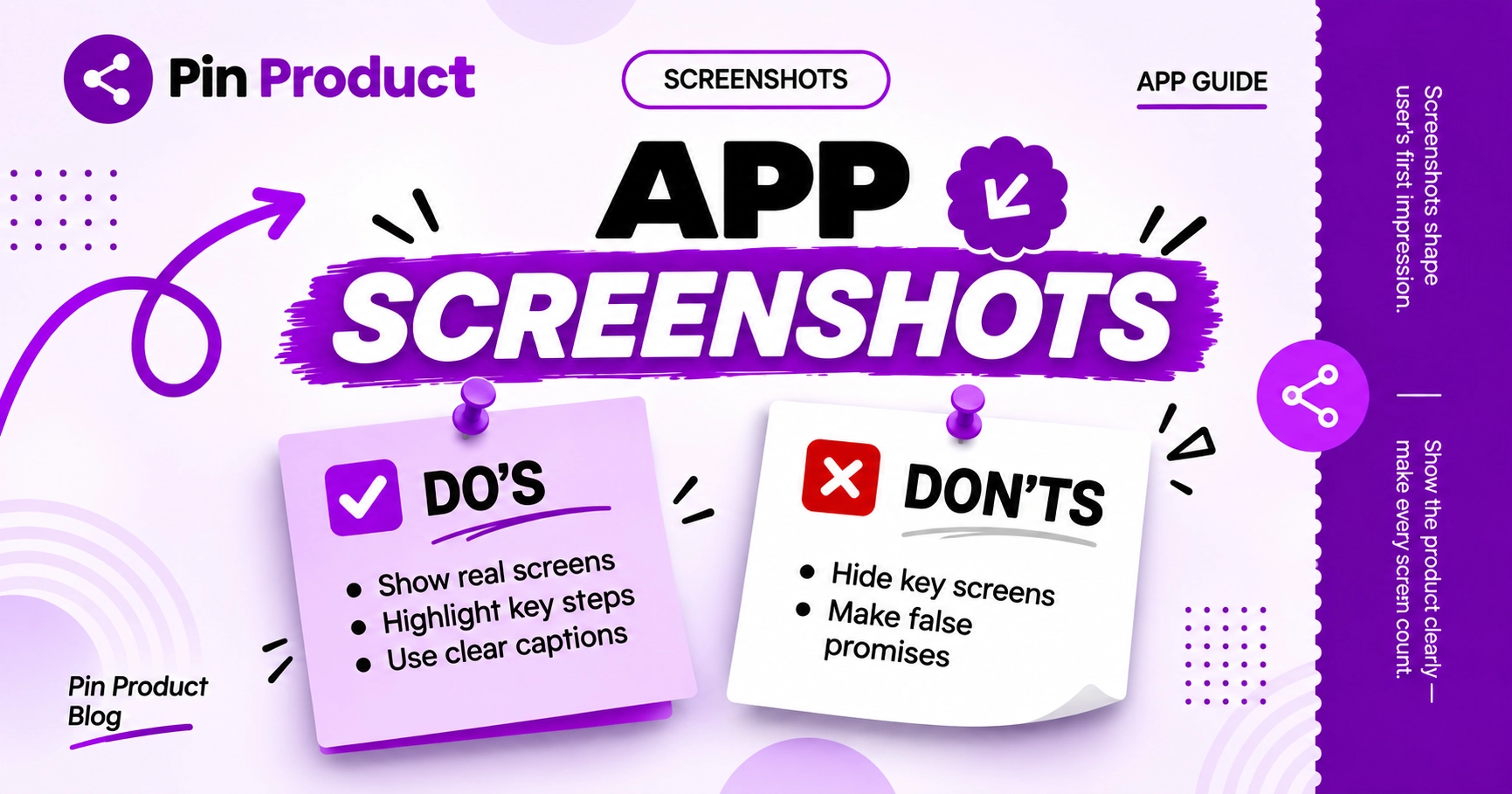
Make screenshots explain the product
Lead with the workflow that best represents the app’s value. Use captions only when they add context and keep interface text readable on a phone. Each screenshot should explain a distinct step, benefit, or use case rather than repeat the same screen with different decorations.
- Show the product itself, not only abstract promotional art.
- Make the first image understandable without reading a long caption.
- Use current screenshots that match the version people will download.
- Check localization and device crops before publishing.
Test one meaningful change at a time
When enough traffic is available, use App Store Connect’s product page optimization tools to compare alternate icons, screenshots, or app previews. Keep the test focused so you can learn which change mattered. Apple allows tests with up to three alternate treatments and provides results in App Analytics; see its current product page optimization overview.
With limited traffic, avoid drawing strong conclusions from a handful of downloads. Gather qualitative feedback, make the page clearer, and keep notes about what changed and when.
Measure the whole journey
Track impressions and product-page views alongside downloads and the actions that matter after install. A change that increases taps but attracts people who do not complete setup may not be an improvement. Compare similar time periods, markets, and traffic sources where possible, and consider whether a release or seasonal event affected the results.
Review the page regularly when the product changes. Clear metadata, current visuals, and a coherent first experience work together. ASO is ongoing product communication, not a shortcut that replaces usefulness or a good user experience.
Common questions
What does App Store Optimization mean?
It means improving an App Store listing so relevant people can discover it and understand whether it fits their needs. It includes metadata, product-page visuals, and learning from performance.
Can ASO guarantee more downloads?
No. Store visibility and downloads depend on many factors. ASO can make the page more relevant and clearer, but it cannot guarantee rankings or results.
Should I add every popular keyword to my app listing?
No. Use terms that accurately describe the app and its real features. Irrelevant or misleading keywords can confuse people and violate store rules.
Put your next launch in front of curious people
Create a clear listing, share it with relevant communities, and invite useful feedback. Discovery takes steady work; no directory can promise a particular reach or result.
Share an app on PinProduct
